DJ Hub
A world-class internal ecosystem for radio DJs and station managers — bringing live studio tools, messaging, assets, profiles and internal communication into one secure platform.
DJ Hub brings your station workflow into one secure system: DJ Desktop (studio clock, chat room, messages), Jingle Cartwall, Pager & voice notes, Phone messages (website embed), DJ Profiles, Profile Image Maker, Weather tools, Mixcloud Catch-up Widget, plus admin tools like DJ Registration, User Admin Panel, Activity Logs and a Station Wiki.
Whether you're launching a new online radio station or managing an established one, DJ Hub provides the complete set of radio station tools to help you run a professional, connected and organised broadcast environment.
DJ Hub is an all-in-one IT ecosystem, designed from the ground up specifically for online radio stations — not adapted, not bolted together, but purpose-built for modern broadcasting. It brings together everything your station needs to operate smoothly and professionally:
DJ Hub connects your entire station — people, tools and community — into one seamless platform, helping you run smarter, communicate better and grow stronger.
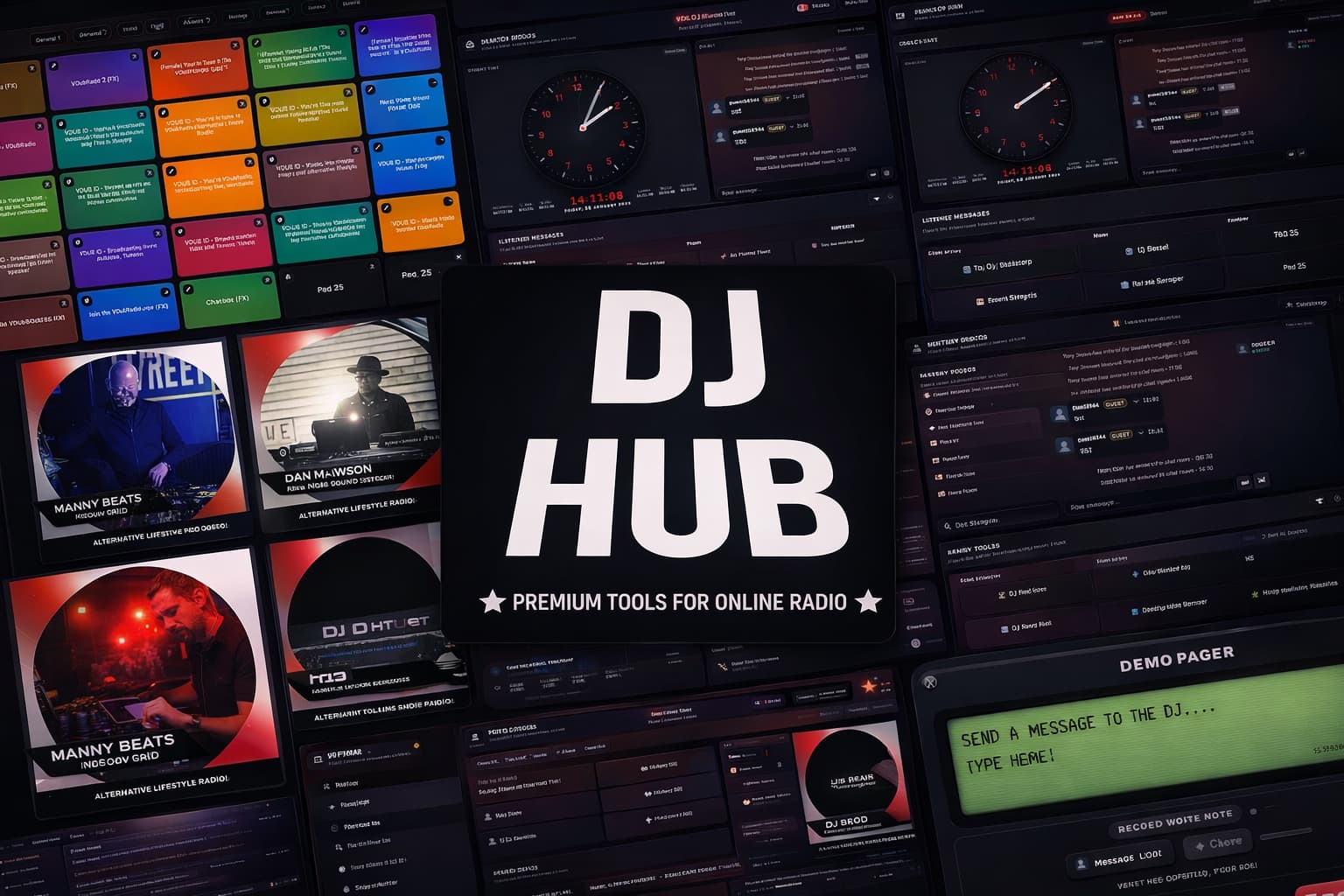
DJ Hub is trusted by both new and established radio stations looking for a reliable, all-in-one platform to manage presenters, listener interaction and live studio workflows. It is designed for station managers who want practical radio tools without juggling lots of disconnected systems.
Running a radio station can quickly become disorganised without the right tools. DJs using multiple systems for chat, messaging, profiles and audio playback often struggle to stay coordinated. DJ Hub solves this by bringing everything into one platform designed specifically for radio stations.
A world-class internal ecosystem for radio DJs and station managers — bringing live studio tools, messaging, assets, profiles and internal communication into one secure platform.
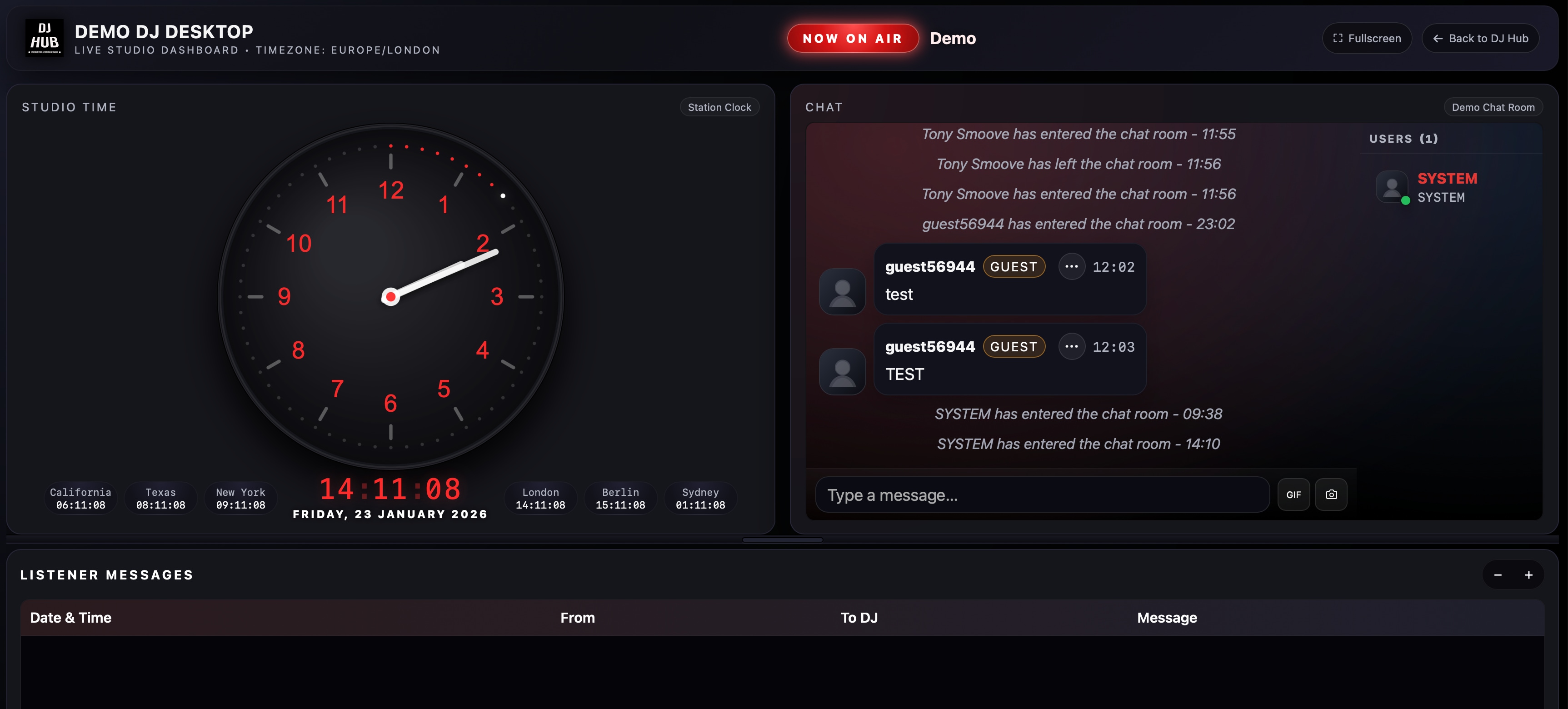
Your live broadcasting control centre — an all-in-one view combining the studio clock, chat room, and messages & voice notes so presenters stay focused on air.
Public and station branded, real-time chat room — perfect for engaging listeners, building community, and sharing updates during live shows.
Centralised listener messaging inside DJ Hub — read messages or listen to voice notes that have been submitted from your station website.
A precise and modern studio clock view with your station name embedded into the clock face.
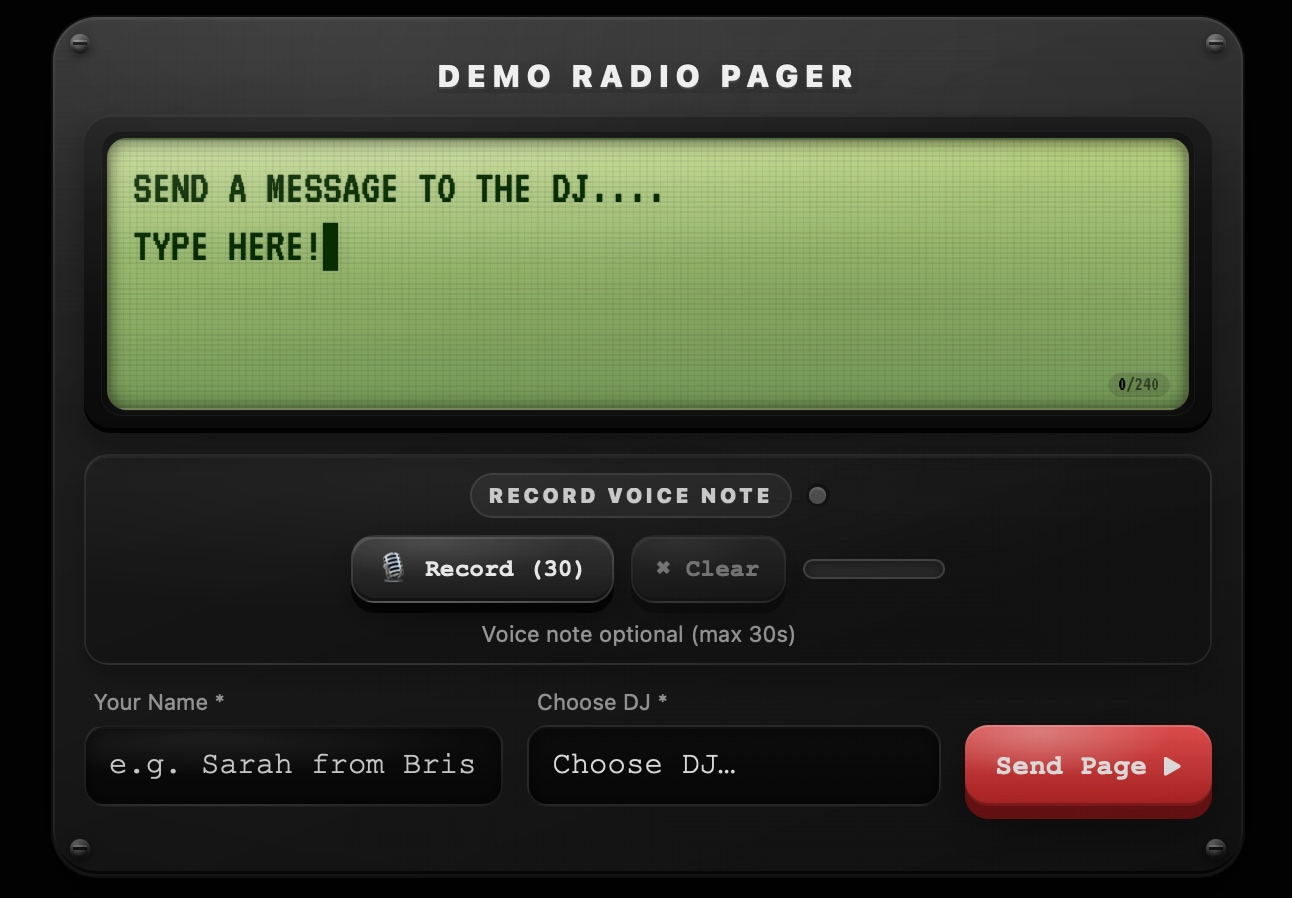
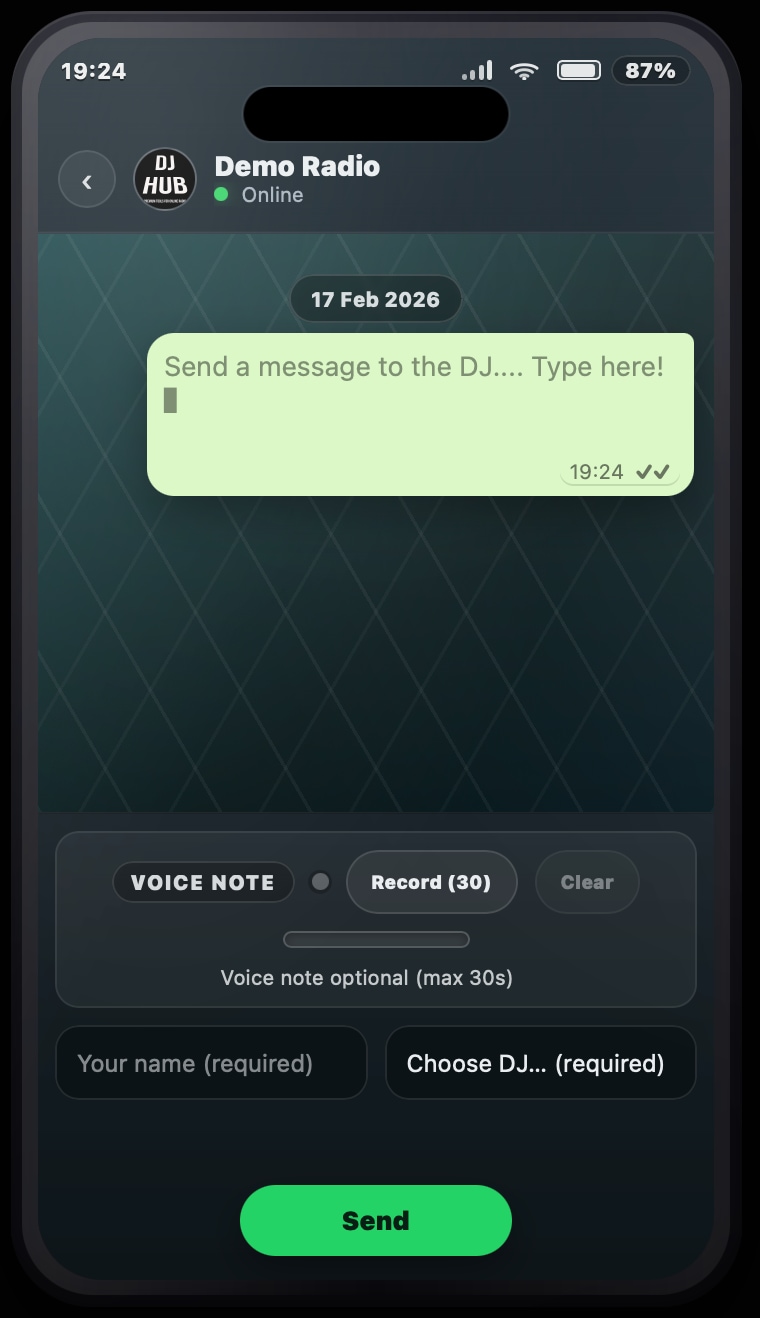
A modern studio inbox: embed the 90's style pager and phone message forms on your website so listeners can contact the studio — delivered straight into DJ Hub for on-air interaction.
Up-to-date worldwide weather inside the Hub — great for on-air links, travel updates, and international stations.
A private internal message board for announcements, policies, show notes and team updates — organised, searchable and easy to maintain.
Organise and trigger DJ-specific and station-wide jingles with confidence — a browser-based cartwall built for quick, professional playback. Use with a tablet device for full touch screen capabilities
DJs manage their own profiles and publish to your website automatically — consistent presentation for your station website and social presence.
Station managers upload official branding, then DJs upload their own profile photo to create professional artwork fast — keeping visuals consistent across the whole team.
Display your latest 10 Mixcloud uploads in a clean gallery / spotlight layout with an integrated player so listeners can catch up seamlessly from your station website.
Station manager controls for onboarding DJs and presenters — standardise access and keep your platform tidy as you scale.
Manage users, roles and access centrally — built for station managers who need control without complexity.
Admin controls for approving, organising and managing DJ profile content — keep everything brand-safe and consistent.
Visibility into platform usage — useful for accountability, support diagnostics, and understanding how your team uses the tools.
A central knowledge base for Admins / Station Managers to document station procedures, tech guides and onboarding notes — keep everything in one place.
Station managers and admins can document and update station rules in DJ Hub — making them easy for DJs and presenters to access and reference at any time.
Embed our HTML application form into your website so new DJs can apply. Admins can then manage, review, and track DJ applications from one central screen.
Drop these forms into your radio station website (iframe / embed) so listeners can message the studio while you’re live. Messages arrive inside DJ Hub, ready for DJs to read on-air. Click either preview to expand.
A cleaner way to explore the platform. Rotate through the gallery to see each tool in a consistent spotlight view, with matching write-ups that explain exactly how each screen fits into the DJ Hub ecosystem.
DJ Hub is a world-class platform for online and community radio — combining DJ tools and station manager tools into one secure system.
DJ Hub is £50 / $70 per month subscription with all features included.
Yes. DJ Hub supports website-embeddable listener messaging forms — including the Pager and Phone Messages forms — so listeners can contact the studio while you’re live, with delivery straight into DJ Hub.
Yes — click “Book a demo” below or email mail@dj-hub.co.uk.
Yes — DJ Hub provides world-class personalised support plus radio consultancy and setup help so you can get the most out of the platform. Rest assured, we’re here to help.
Tell us about your station — whether you are launching something new or improving an existing setup, we’ll show you how DJ Hub can streamline messaging, assets, DJ workflows, catch-up listening, website-ready DJ profiles and day-to-day station operations.
DJ Hub is already being used in a real station environment. VDubRadio uses DJ Hub to help bring together live studio tools, listener messaging, internal communication and website integrations into one joined-up workflow.
That matters because it shows DJ Hub is built around genuine station manager needs and real presenter workflows — not just theory. For newer stations, that means a stronger foundation. For established stations, it means replacing scattered processes with a cleaner, more professional setup.
Need help getting everything set up? DJ Hub also offers bespoke consultancy and setup support for radio stations — from initial planning and practical workflow advice through to platform setup and optimisation.
This makes DJ Hub suitable for both stations already on air and people in the process of building something new who want a clearer, more professional setup from the start.